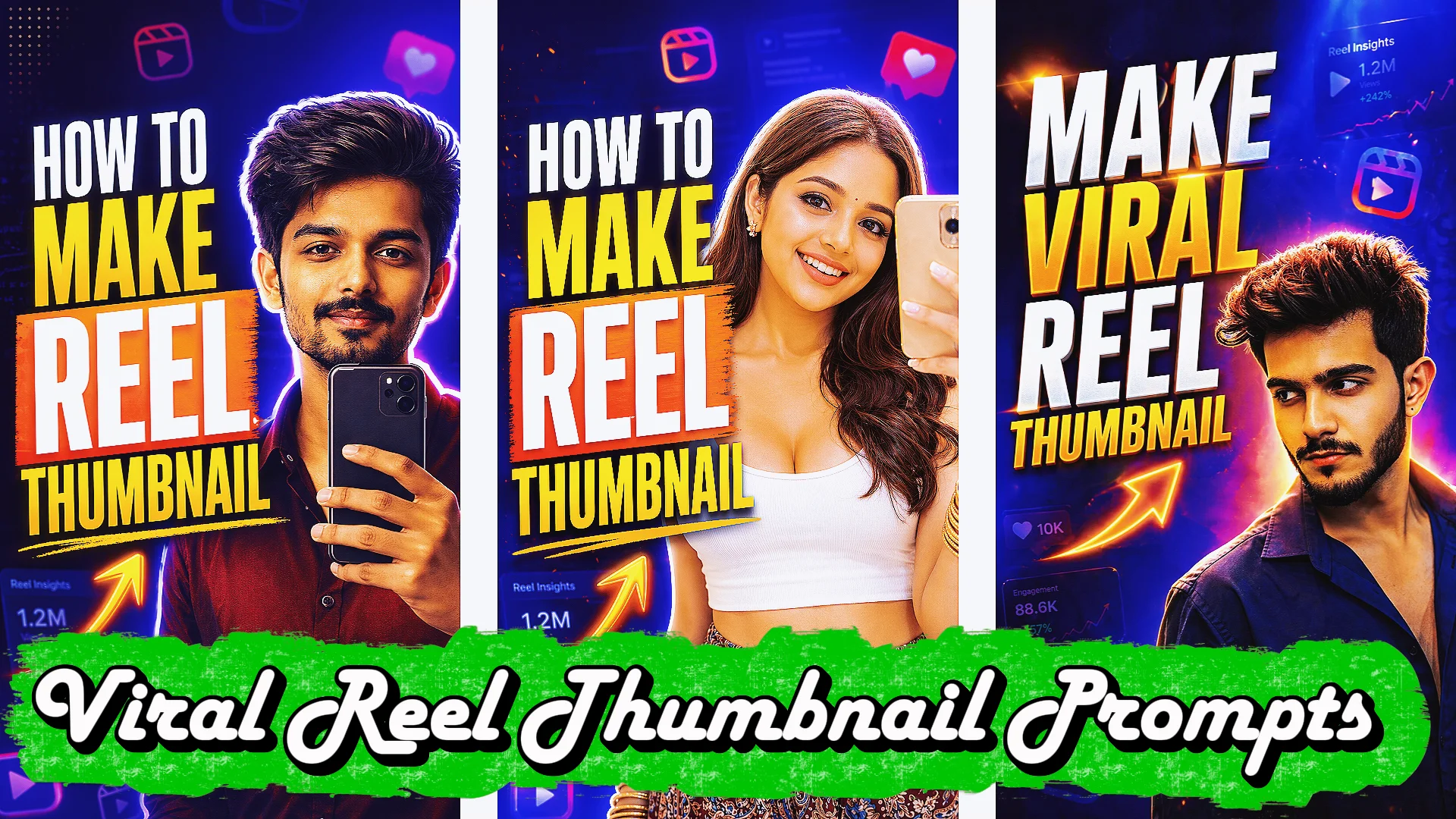
You can create the best Instagram Reel or short video in your niche, but if nobody taps it, the effort goes unnoticed. That’s where reel thumbnail prompts become a game changer.
A strong thumbnail works like a mini billboard. It stops scrolling, sparks curiosity, and tells viewers why they should watch. Many creators focus only on editing videos, then casually pick a random cover image at the end. That mistake costs reach, clicks, and followers.
If you’re new to content creation, this guide will help you understand how to use reel thumbnail prompts, create better covers faster, and improve performance without needing advanced design skills.
Whether you need an instagram reel thumbnail prompt, a youtube thumbnail prompt, or a reel thumbnail prompt copy and paste template, this article gives you practical examples you can use today.
What Are Reel Thumbnail Prompts?
A reel thumbnail prompt is a written instruction used to generate or design an eye-catching thumbnail image for a Reel, YouTube Short, or short-form video.
You can use these prompts with:
- AI image tools
- Canva
- Photoshop
- Thumbnail maker apps
- Designers or freelancers
- Your own manual editing process
Think of prompts as creative direction.
Instead of saying:
Make a thumbnail
You say:
Create a bold Instagram Reel thumbnail showing a surprised woman holding a phone, bright yellow background, large text saying “Hidden Instagram Trick”, dramatic lighting, high contrast, modern social media style.
That level of detail creates better results.
Why Reel Thumbnails Matter More Than Most Creators Realize
According to creator insights shared by platforms like YouTube and Meta, thumbnails strongly influence click-through rate and watch starts.
Even on Instagram, where autoplay exists, users still notice covers when browsing:
- Profile grid
- Explore page
- Saved content
- Suggested reels
- Shared links
A Better Thumbnail Can Help With:
- More profile visits
- Higher clicks
- Better brand consistency
- More replay value
- Stronger first impressions
I’ve seen creators improve reel performance simply by changing weak thumbnails to curiosity-driven covers.
Best Reel Thumbnail Prompts (Copy and Paste)
Use these reel thumbnail prompts to design high-converting covers for Reels, Shorts, and social media videos. Easy ideas for creators and beginners.
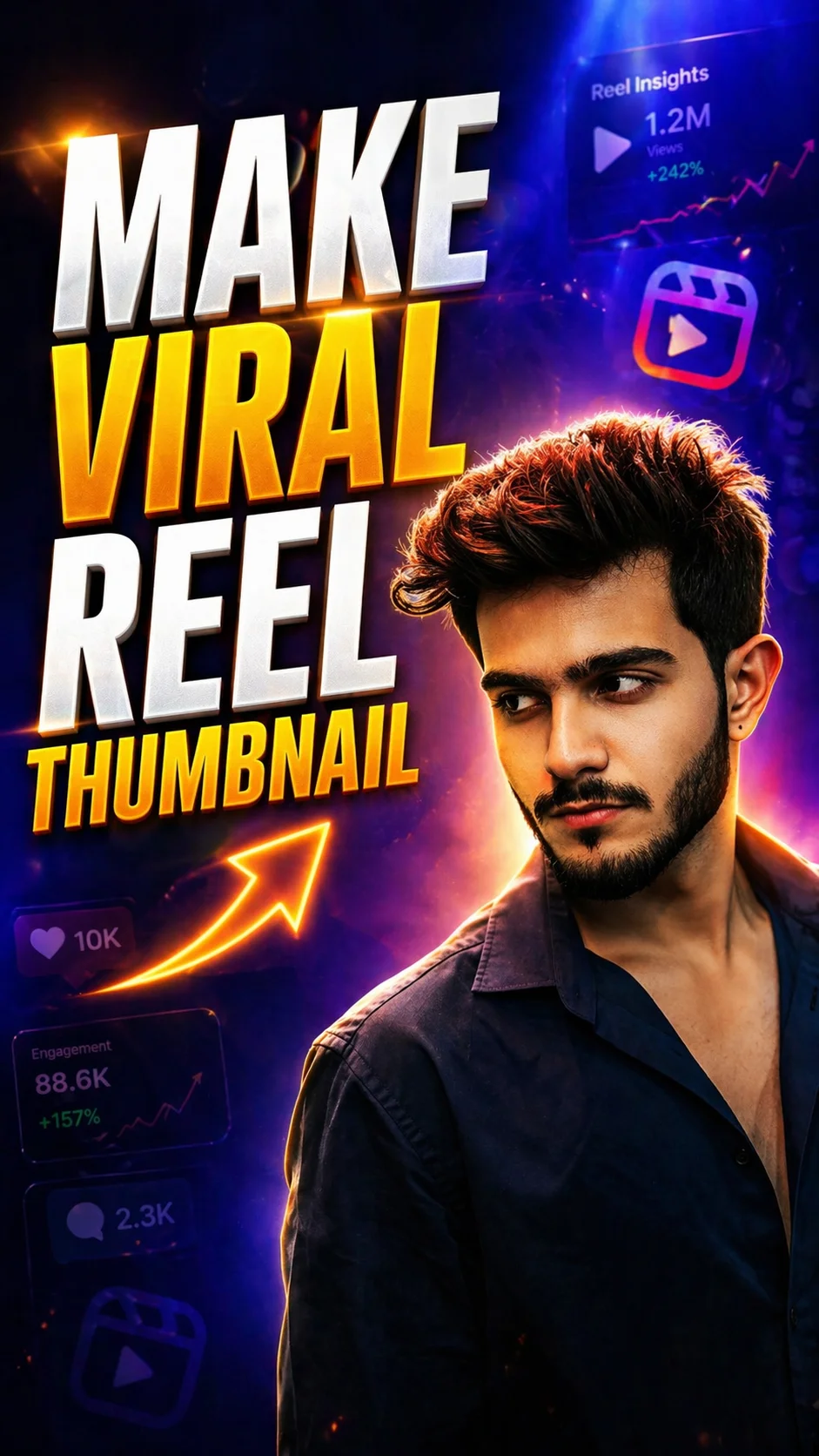
1. Make Viral Reel Thumbnail
Create a cinematic reel thumbnail prompt designed for creators who want more clicks and reach. This vertical 9:16 design uses dramatic lighting, bold text, and a premium creator-style layout that works well for Instagram Reels, YouTube Shorts, and viral content covers.
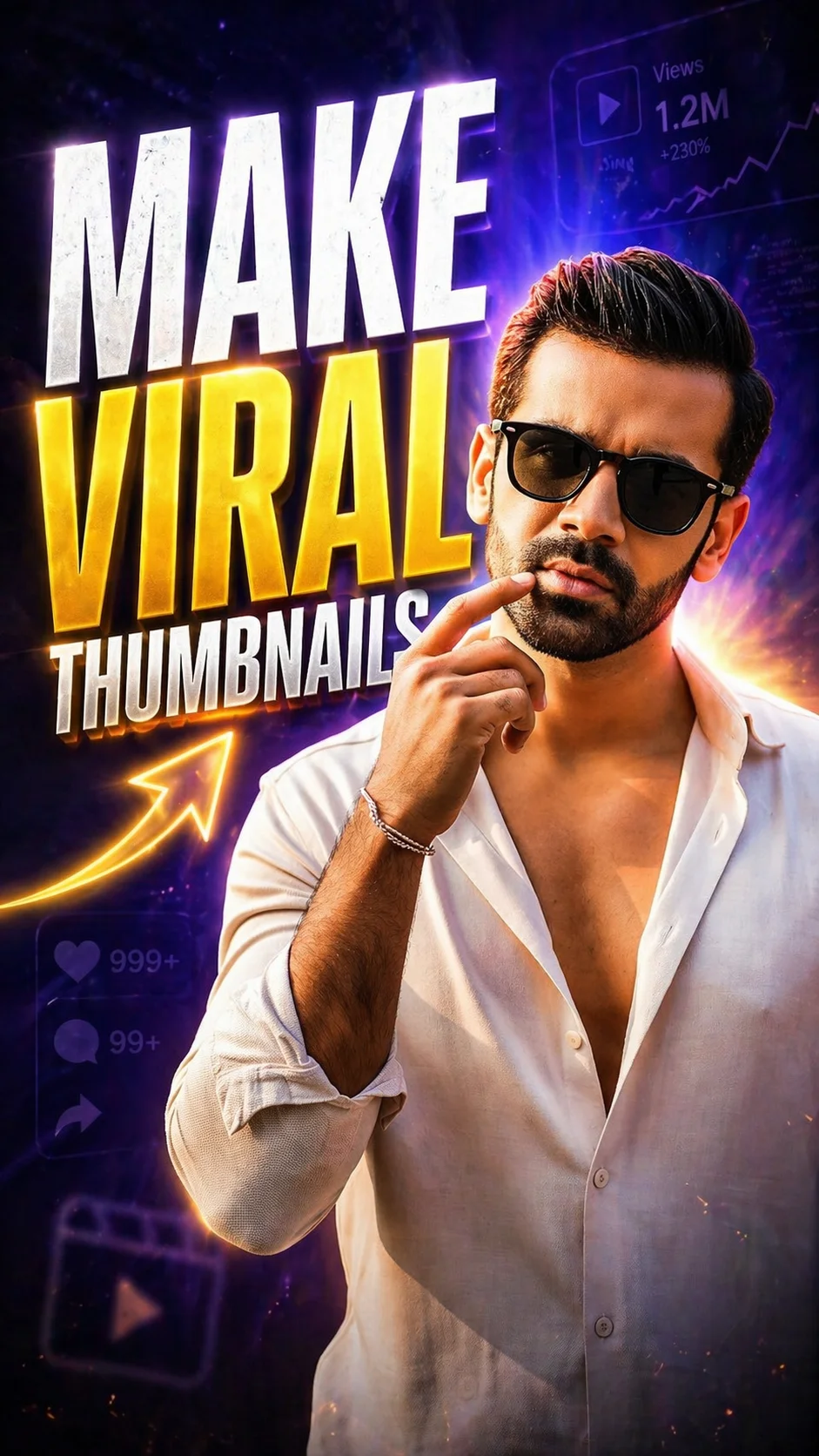
2. Make Viral Thumbnails
Use this reel thumbnail prompt to generate a professional and high-converting thumbnail with clean subject focus, glowing text, and modern background effects. Ideal for anyone searching for a reel thumbnail prompt generator or fresh reel thumbnail ideas.
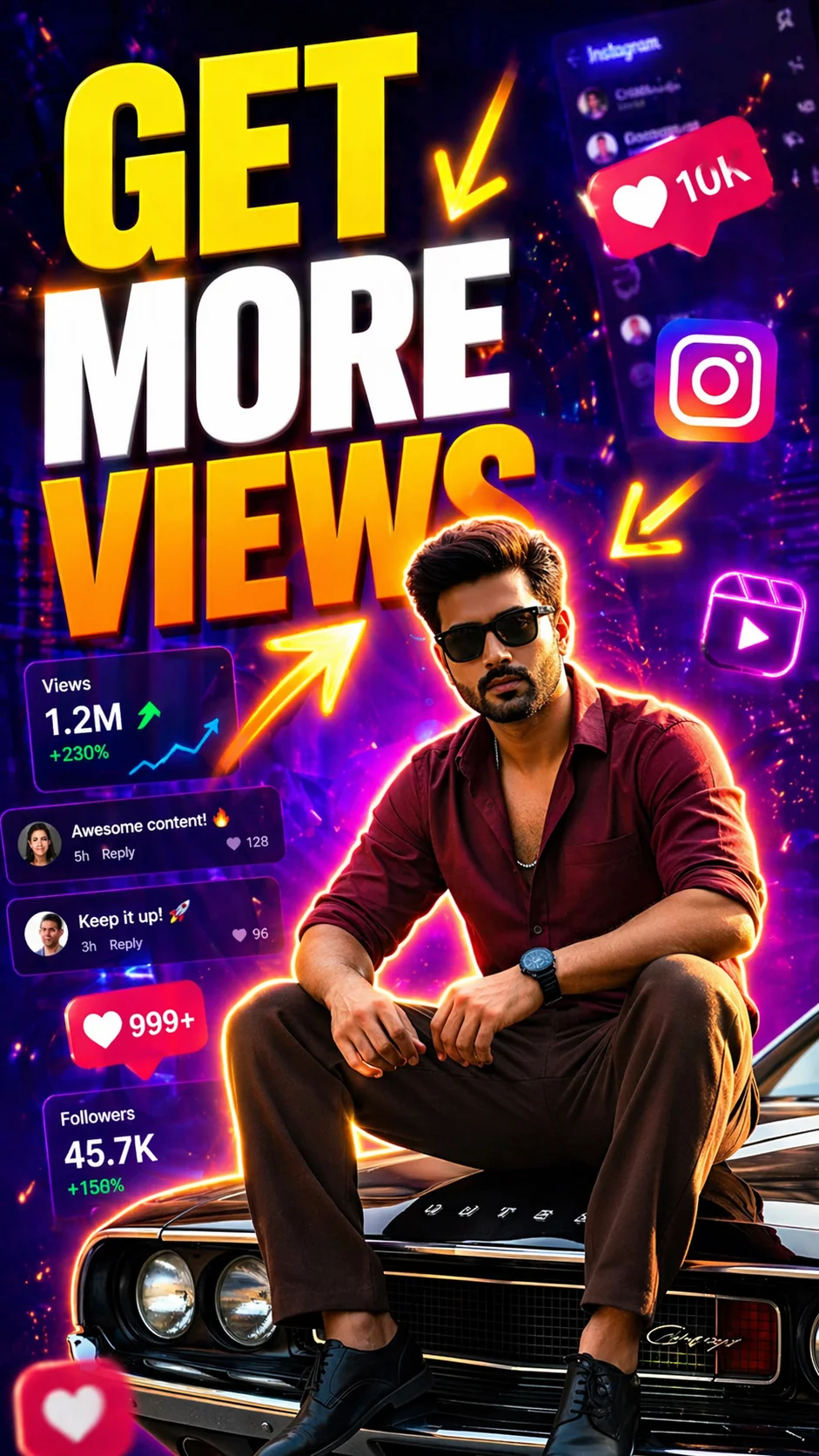
3. Get More Views
This instagram reel thumbnail prompt is built to attract attention fast with vibrant colors, social media UI effects, and bold readable text. Perfect for creators who want better engagement, more views, and standout reel covers on mobile screens.
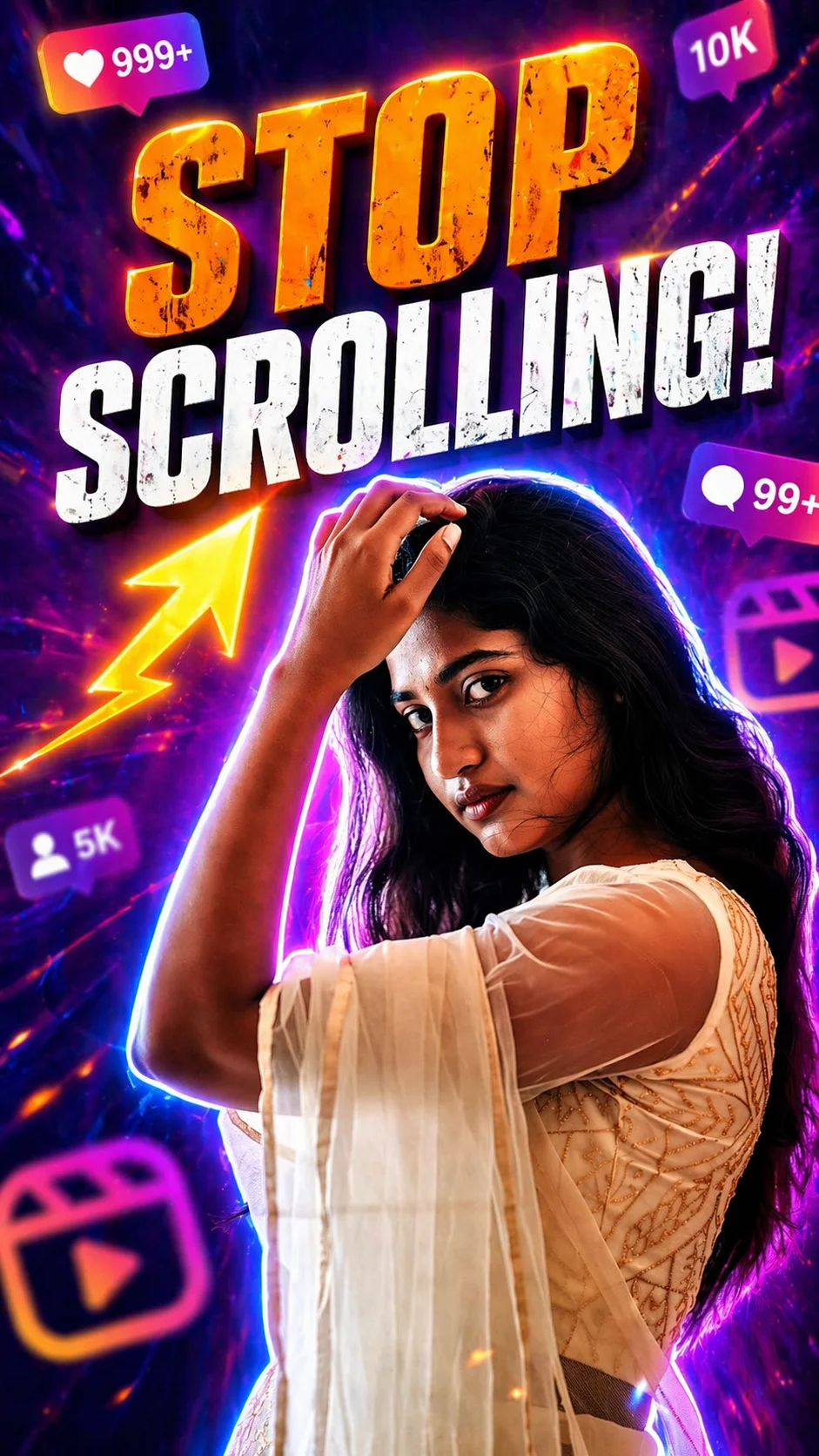
4. Stop Scrolling!
A bold reel thumbnail prompt template made for high CTR content. With neon glow effects, motion blur, and attention-grabbing text, this style helps your reel stop viewers mid-scroll and increase clicks across Instagram Reels or Shorts.
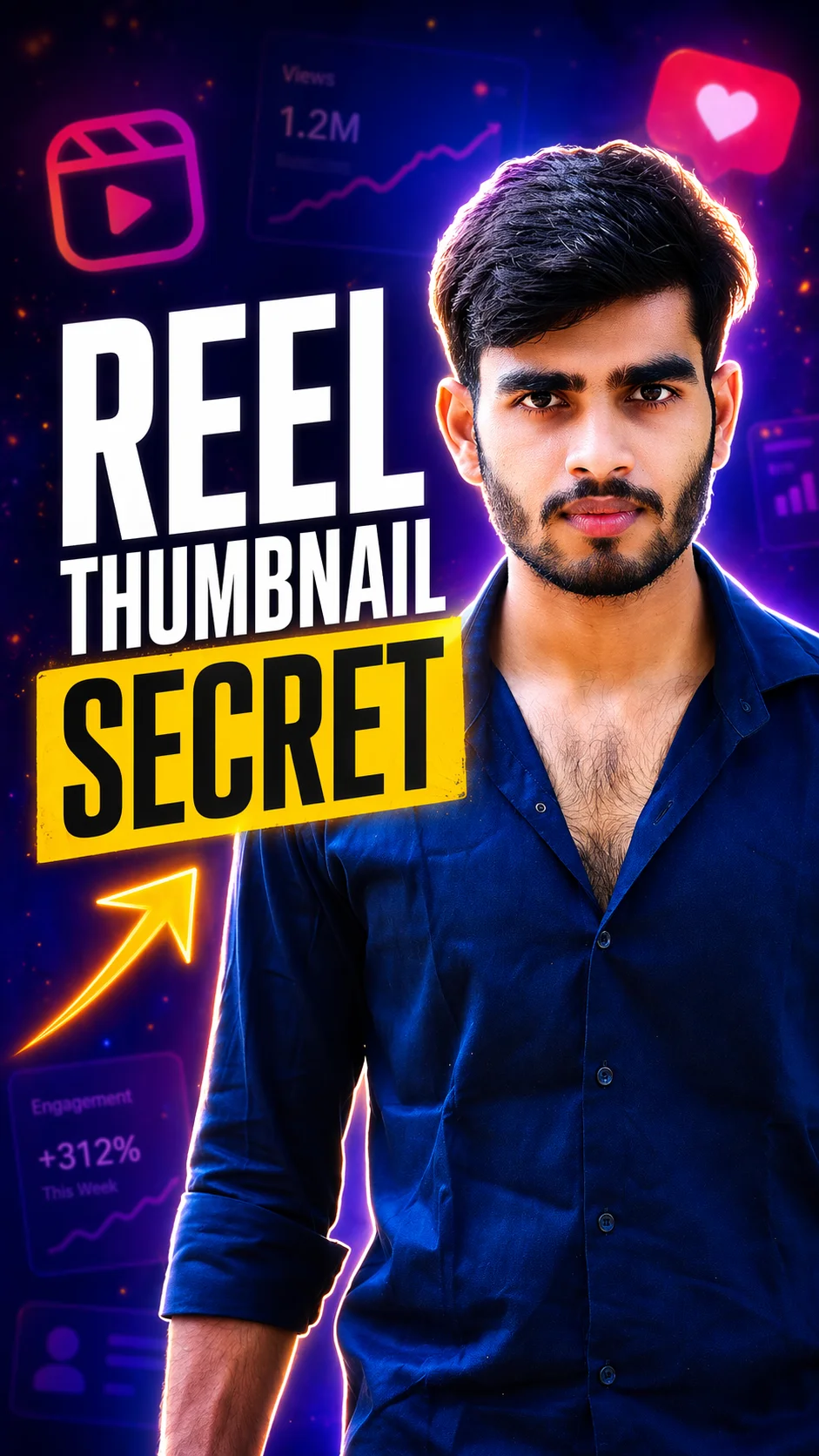
5. Reel Thumbnail Secret
This reel thumbnail maker AI prompt creates a clean, modern vertical thumbnail using strong contrast colors and sharp subject focus. Great for tutorial creators, marketers, and anyone wanting polished reel covers that look professional.
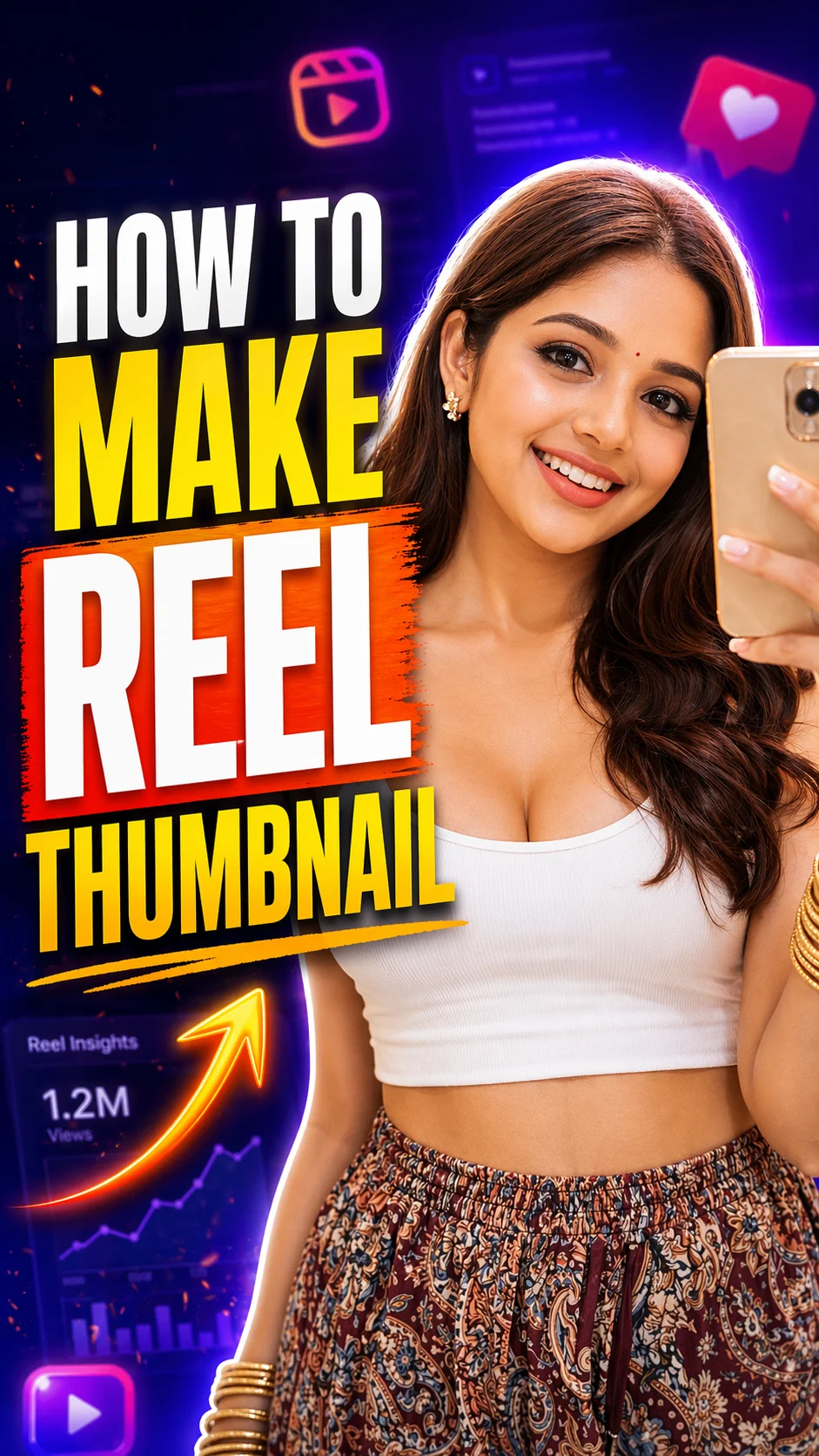
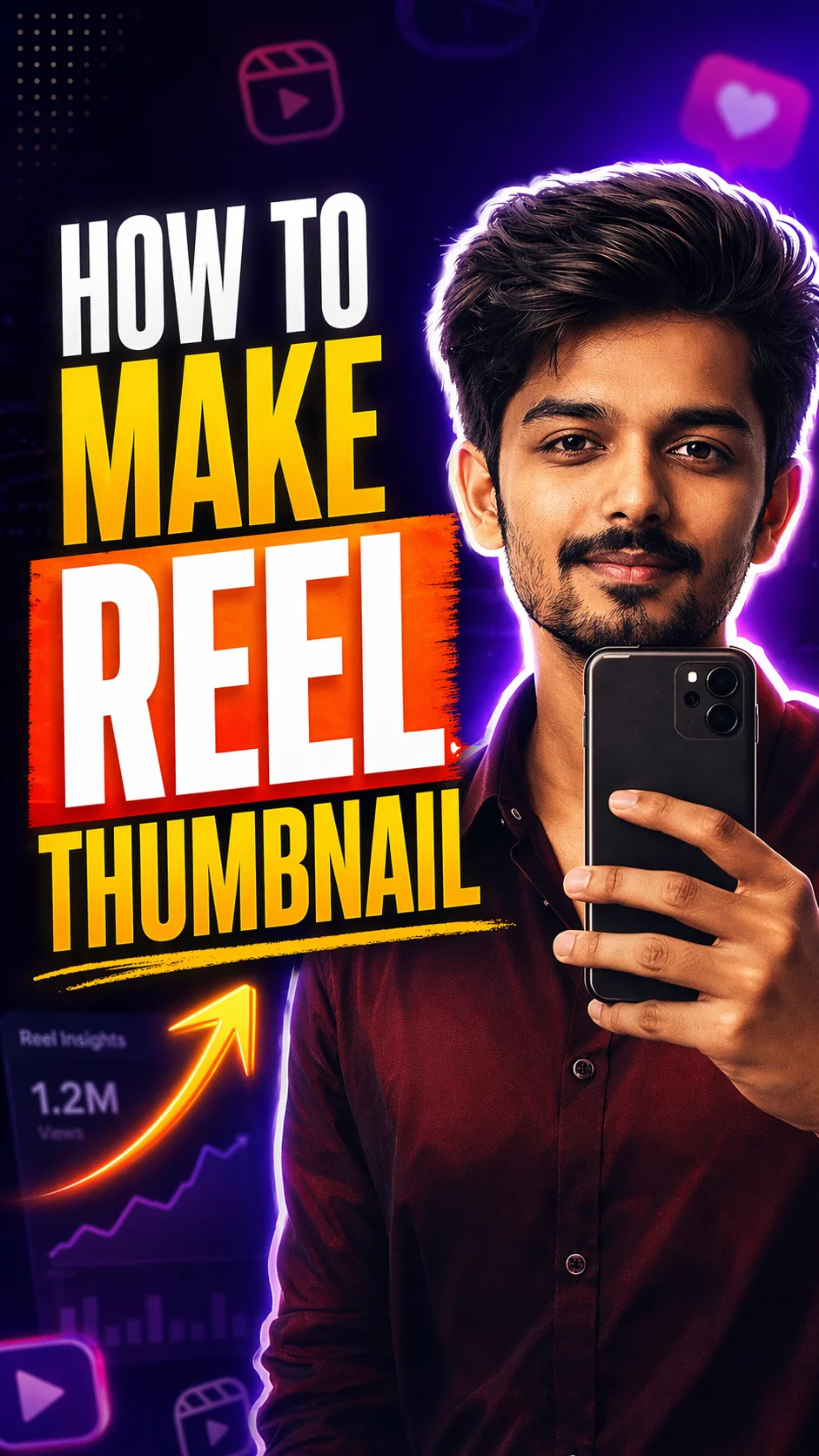
6. How to Make Reel Thumbnail
A creator-focused reel thumbnail prompt for educational videos, tutorials, and how-to content. Designed for Instagram reel thumbnail size and YouTube Shorts format, this thumbnail style combines sharp visuals, bold text, and strong mobile readability.
7. How to Make Reel Thumbnail Pro Style
A reel thumbnail prompt generator option for creators who want polished and high-converting covers. Great for Instagram Reels, YouTube Shorts, and personal brand content with a clean premium finish.
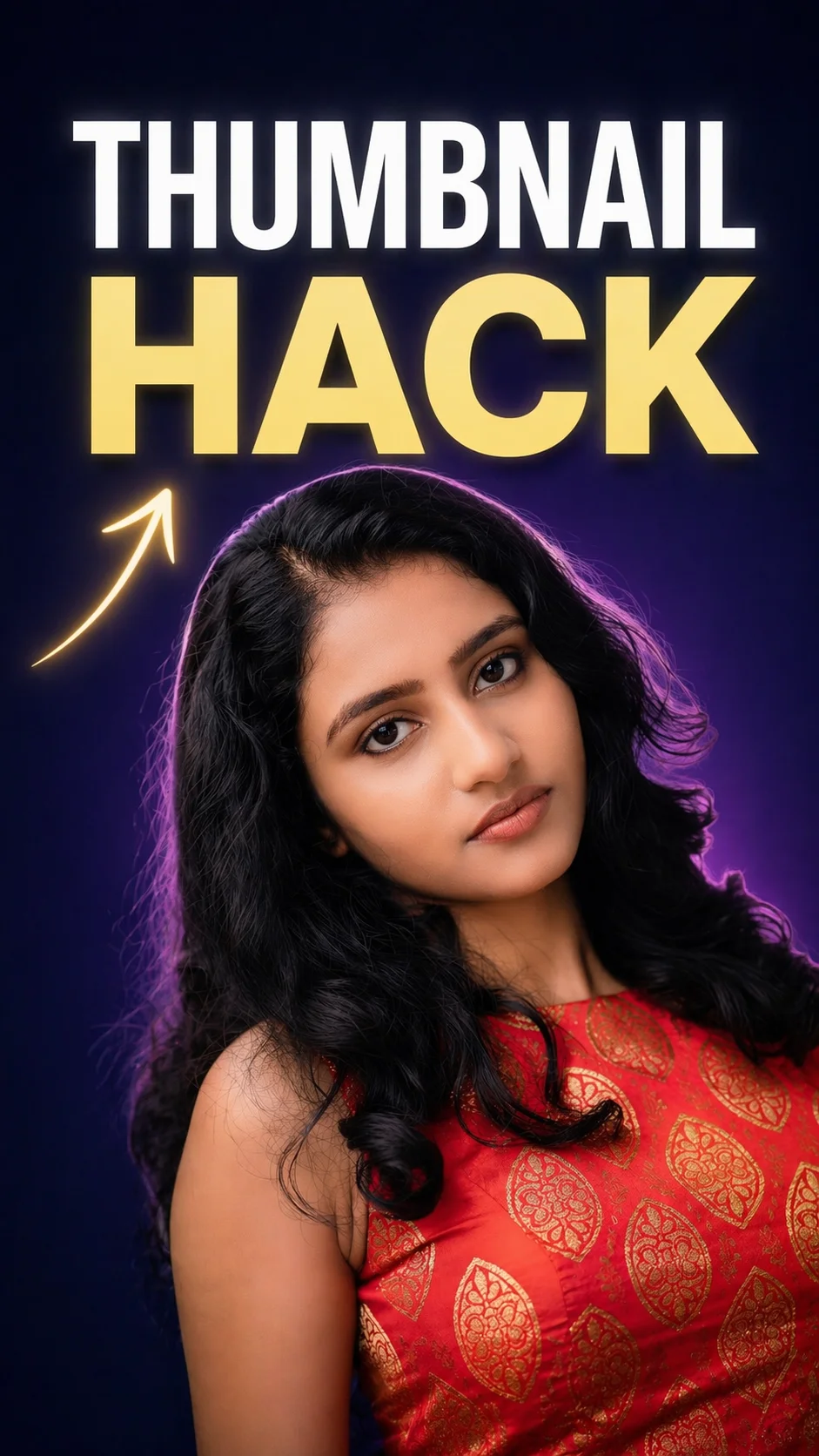
8. Thumbnail Hack
This minimal reel thumbnail idea focuses on simplicity and premium branding. With clean spacing, elegant text, and soft cinematic lighting, it works well for business creators, coaches, and modern content pages.
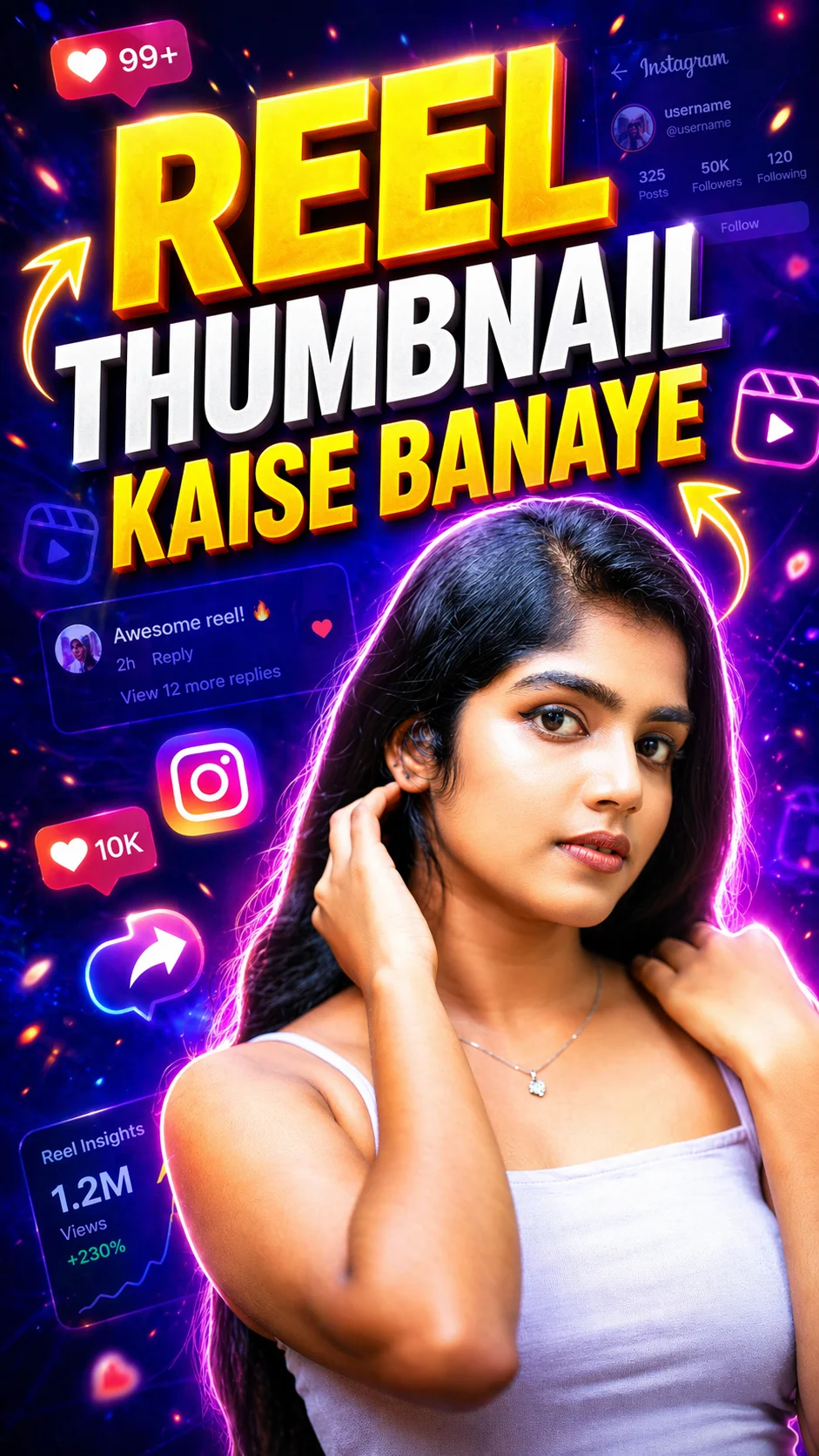
9. Reel Thumbnail Kaise Banaye
A vibrant reel thumbnail prompt template designed for Hindi-speaking creators and tutorial channels. Bold colors, floating UI effects, and strong text styling help attract more views and clicks quickly.
How to Use These Prompts in Gemini AI
If you want to create professional reel covers using your reel thumbnail prompts, you can easily use them inside Google Gemini AI. Gemini helps generate images from text prompts, making it useful for Instagram Reels, YouTube Shorts, and social media thumbnails.
You don’t need design skills. Just copy a prompt, paste it into Gemini, and refine the result.
- Open Gemini AI
- Choose Image Generation Mode
- Use one of your thumbnail prompts directly.
- Click upload image
- Add your face photo or portrait
- Use Correct Size Instructions
- Tell Gemini exactly what text to place.
- After Generate thumbnail save on gallery
How to Change Reel Thumbnail on Instagram
Many beginners ask how to change reel thumbnail.
Before Posting:
- Upload Reel
- Tap Cover
- Choose frame or upload custom image
- Adjust positioning
- Publish
After Posting:
Depending on app version and region, editing options may vary. Instagram updates features regularly.
Frequently Asked Questions
How do reel thumbnail prompts help grow Instagram Reels?
Reel thumbnail prompts help create eye-catching cover images that attract more clicks, profile visits, and views. A strong thumbnail can improve first impressions and encourage users to watch your content.
Can I use Gemini AI to create reel thumbnails?
Yes, you can use Google Gemini AI to generate reel thumbnails by pasting a detailed prompt and uploading your photo. It works well for Instagram Reels, YouTube Shorts, and creator branding.
What is the best Instagram reel thumbnail size?
The recommended instagram reel thumbnail size is 1080 x 1920 pixels with a 9:16 ratio. Keep important text and subjects centered so the thumbnail looks good on profile grid previews.
Can I use the same reel thumbnail prompt for YouTube Shorts?
Yes, many reel thumbnail prompts also work for YouTube Shorts. Just adjust the style by asking for stronger click-through visuals, bold text, and YouTube-style thumbnail design.
What makes a good reel thumbnail prompt?
A good reel thumbnail prompt includes the subject, emotion, background style, text hook, lighting, and colors. Clear prompts usually create better results than short or generic instructions.
Final Words
Creating great content is only half the job. Getting people to click is the other half, and that starts with your thumbnail. Using the right reel thumbnail prompts can help you build eye-catching covers that attract views, grow engagement, and make your content look more professional.
You do not need expensive tools or advanced design skills to get started. With smart prompts, clear text, bold visuals, and a little testing, you can create thumbnails that stand out on Instagram Reels and YouTube Shorts.
Start simple, stay consistent, and keep improving what works. Sometimes one better thumbnail can make a bigger difference than hours of editing.
Use the prompts from this guide, experiment with new ideas, and turn every reel into an opportunity to grow your audience.